
Wedding Reviews & Referral Requests
Let a finished wedding start the next conversation. A personal thank-you with a clear review and referral path.
See it in action
Reviews and referrals
Event over. Opportunity missed? See how WeWed helps.
SEE IT IN THE SOFTWARE
Real screens. A connected workflow.
Preview the actual tools with example records.
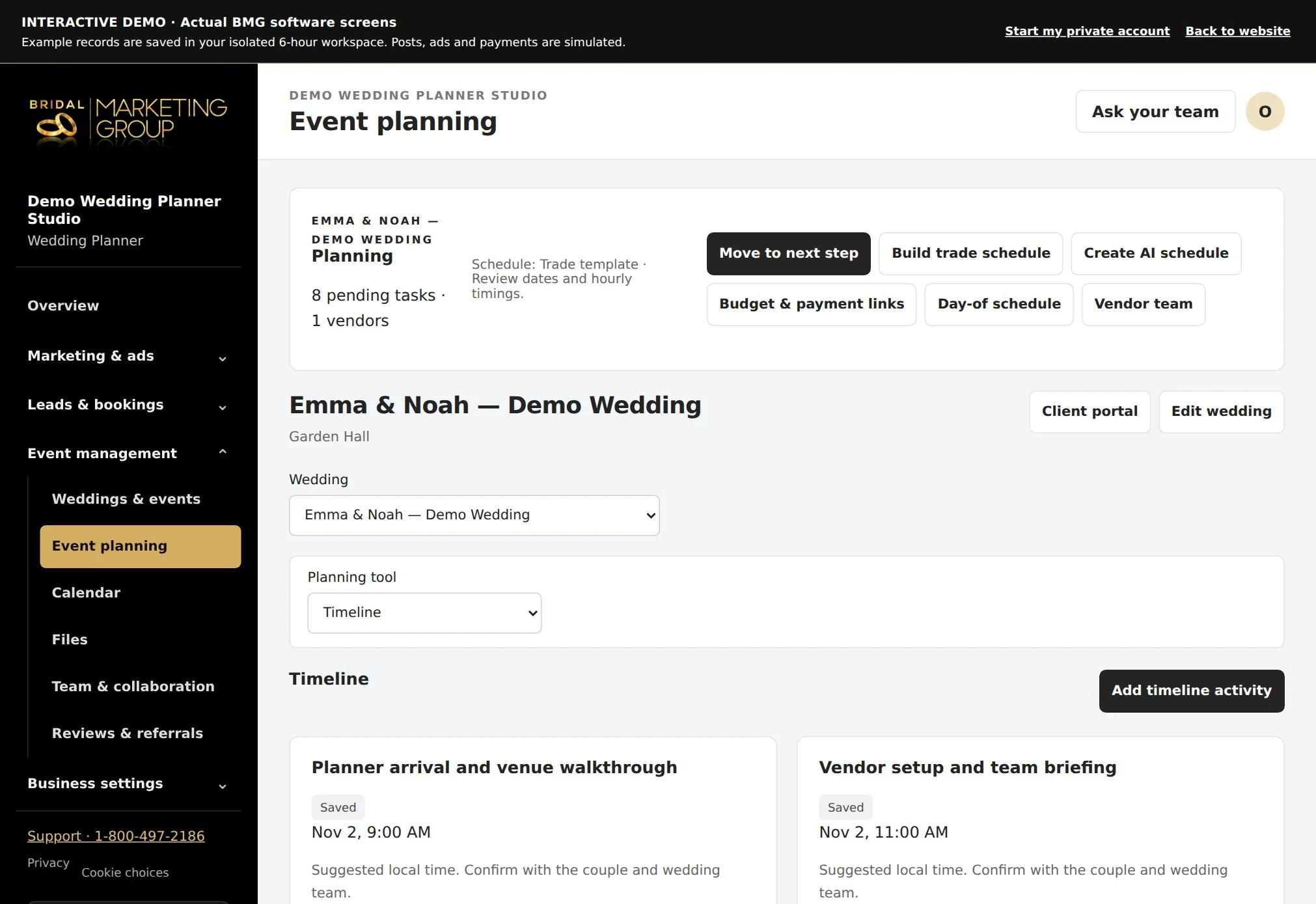
Start with the completed wedding
- Mark a wedding complete to prepare the next thank-you, review and referral tasks.
- Choose the couple, personalize the message and review the card before sharing or printing.
See the actual thank-you note
- The card preview shows the client’s business name, greeting, personal thank-you, signature and QR code.
- The QR opens the private review and referral page.
- The preview also includes a direct link to the client’s saved Google review page, so you can check the destination before sending.
Keep permission and next steps clear
- Record the couple’s permission for emails and review requests.
- Invite an honest review and make it easy to introduce an engaged friend.
- Gift requests are tracked separately and require payment and fulfillment confirmation; preparing a request does not mean the gift has been purchased or delivered.
Questions about wedding reviews & referral requests
Where does the QR code go?
It opens the private review and referral page for that request.
Can I preview the card before printing?
Yes. The software shows the full thank-you note and QR code.
Do I use my own Google review link?
Yes. Save your HTTPS Google review URL in Company setup.