
Wedding Client CRM
Keep each client’s event type, details and history together. Turn an inquiry into a client without copying their information.
See it in action
Client CRM
Which client needs what? See how WeWed helps.
SEE IT IN THE SOFTWARE
Real screens. A connected workflow.
Preview the actual tools with example records.
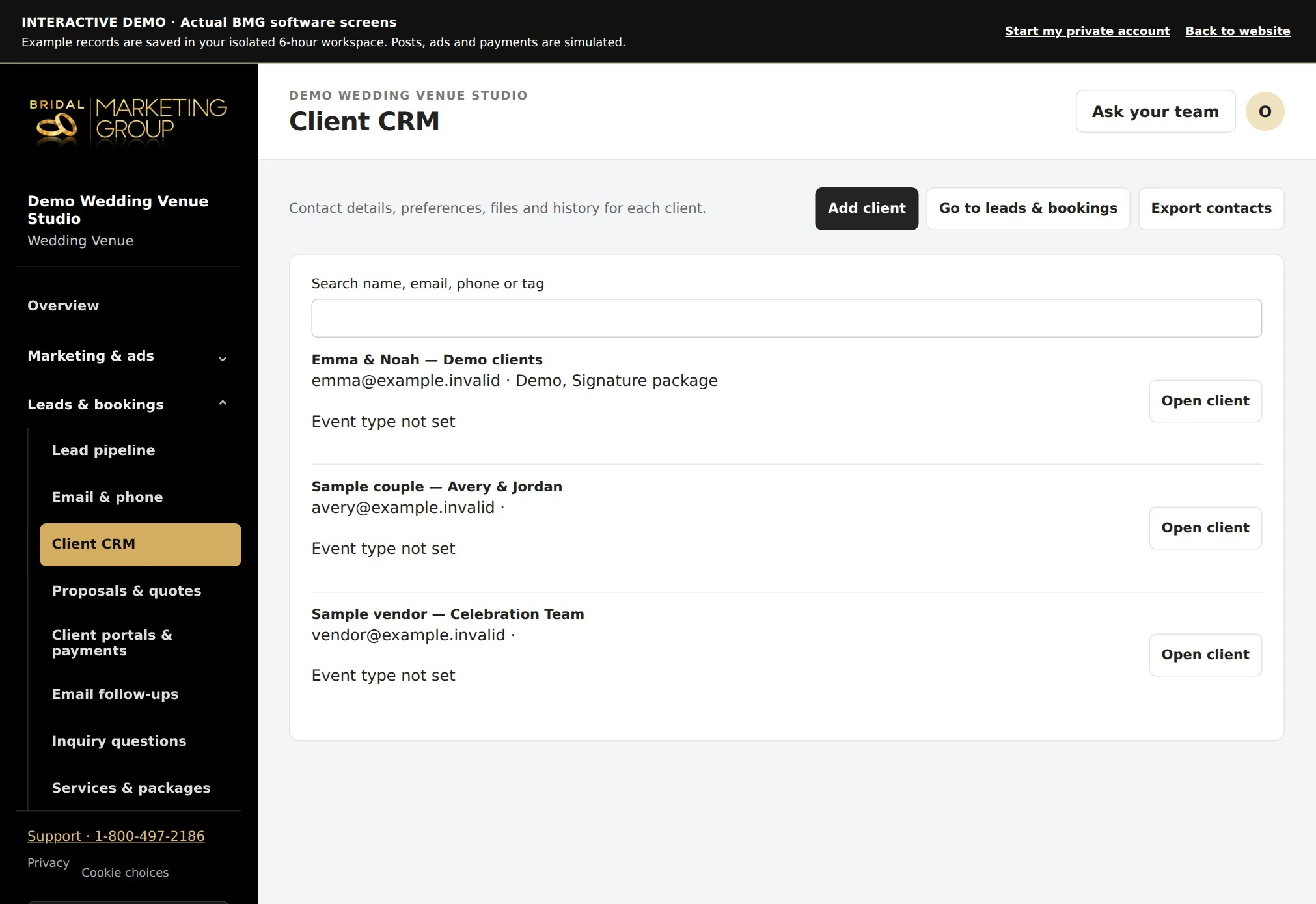
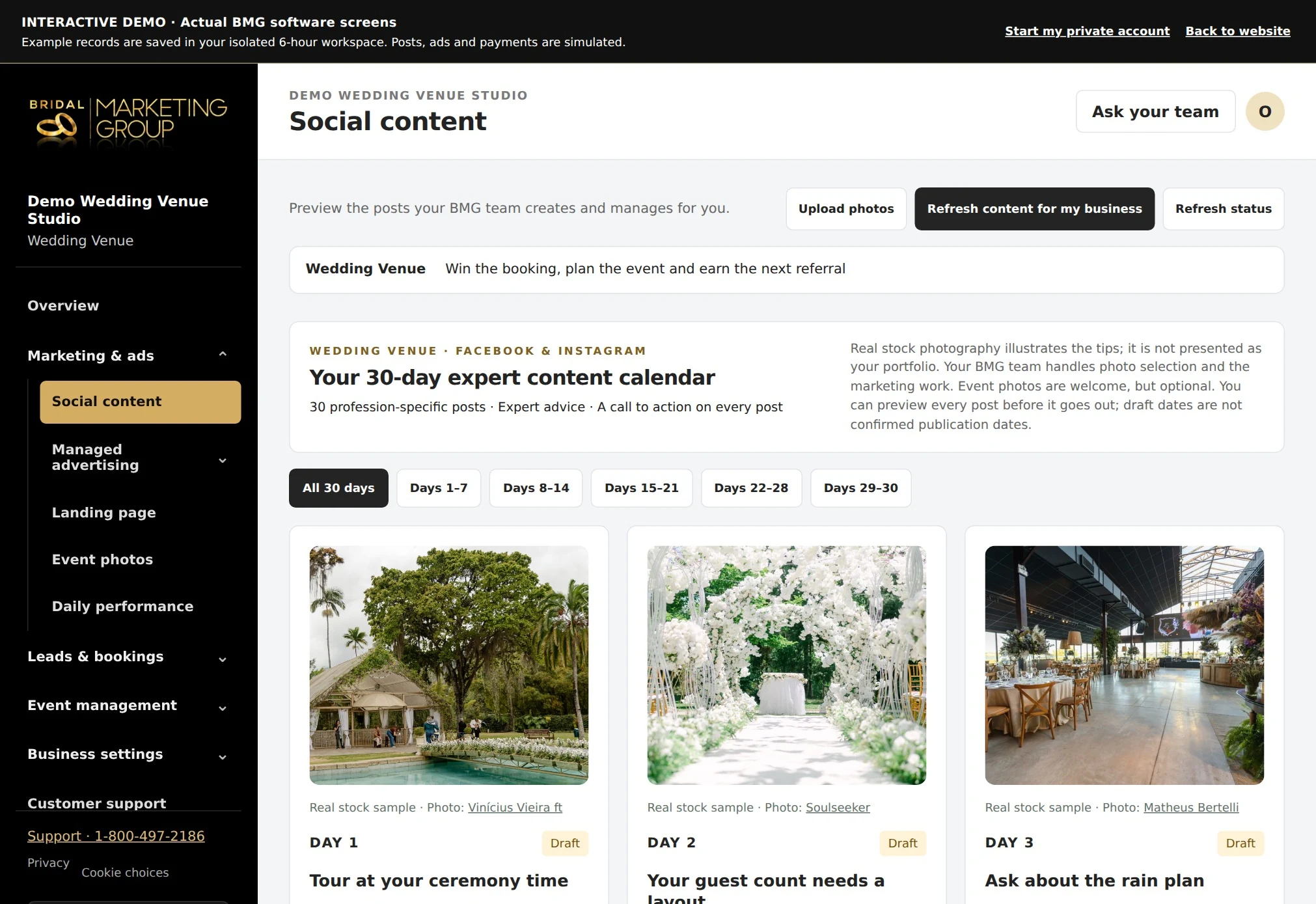
From inquiry to client
- In Leads & bookings, choose Add to Client CRM.
- The software carries over the client’s event type, name, email, phone, notes and qualifying answers, and connects their inquiry and inspiration photos to the contact.
- It reuses an existing contact for the same email in your workspace rather than creating another one.
The right context for each event
- See the client’s event type and history, create an intake form with matching questions, and preview their event’s email funnel.
- Returning clients keep separate inquiries for different events.
- Correcting an inquiry’s event type updates unsent email drafts and pauses the sequence for review.
Book the wedding
- Choose Book & create wedding from the inquiry to create the connected client and wedding workspace.
- The inquiry moves to Booked and its sales follow-ups stop.
- Accepting a lead-linked proposal also connects the client and wedding.
- Creating a contact on its own does not mark a sale as booked.
Questions about wedding client crm
Will adding a lead to the CRM mark it booked?
No. Add to Client CRM saves the contact. Book & create wedding records the booking separately.
Will repeated conversions duplicate my client?
The conversion reuses the linked contact or a contact with the same email in that workspace.
Can I see their inspiration photos later?
Yes. Photos remain private and appear in the inquiry and connected client history.
Explore related tools
More of your office, connected.
- Link clients, family members and planners, with custom fields and shared history.
- Track expenses, billable time and recurring tasks or invoice drafts.
- Set document reminders and workflow conditions for event type, lead source and budget.
- View verified balances, aging and client payments alongside planned installments and draft invoice details.
- Print contracts, invoices and payment plans, or save them as PDFs.
Due reminders and recurring drafts are prepared when you open the workspace. Payment collection uses your connected QuickBooks account.